Password Generator 26
Offline-first · No account required

Strong passwords,
zero compromise

A fast, private password generator for iPhone, iPad, and Mac. Passphrases, PINs, and complex passwords — your way.

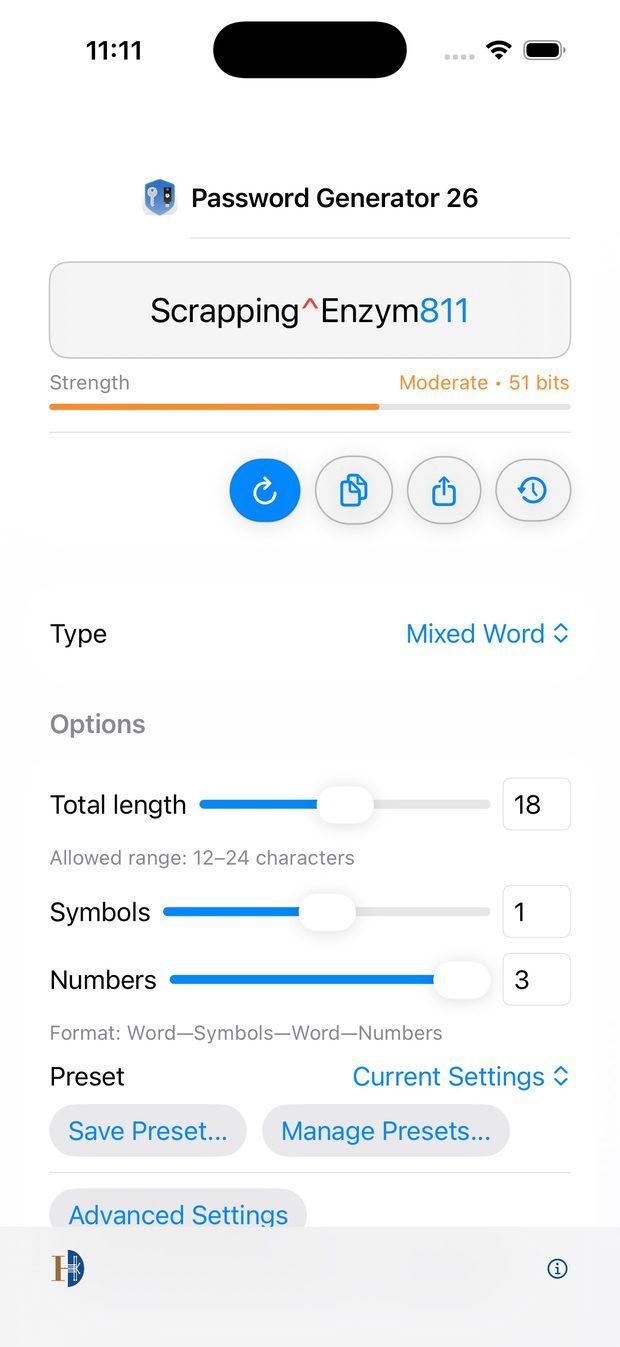
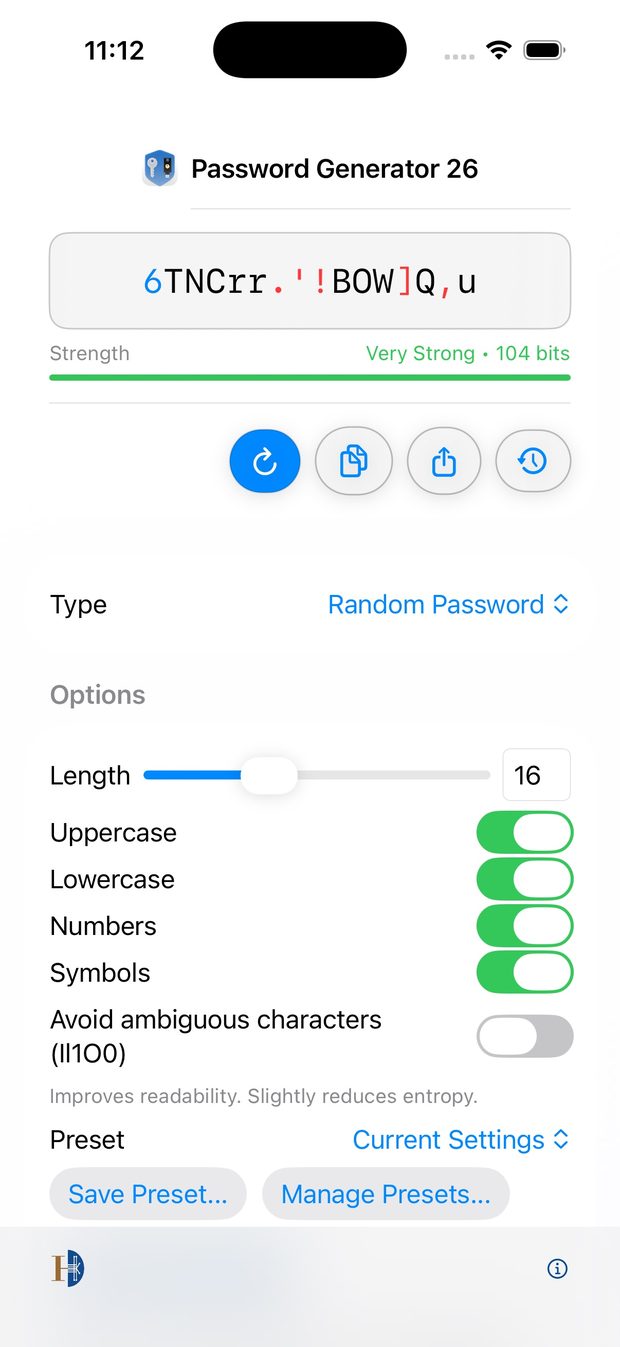
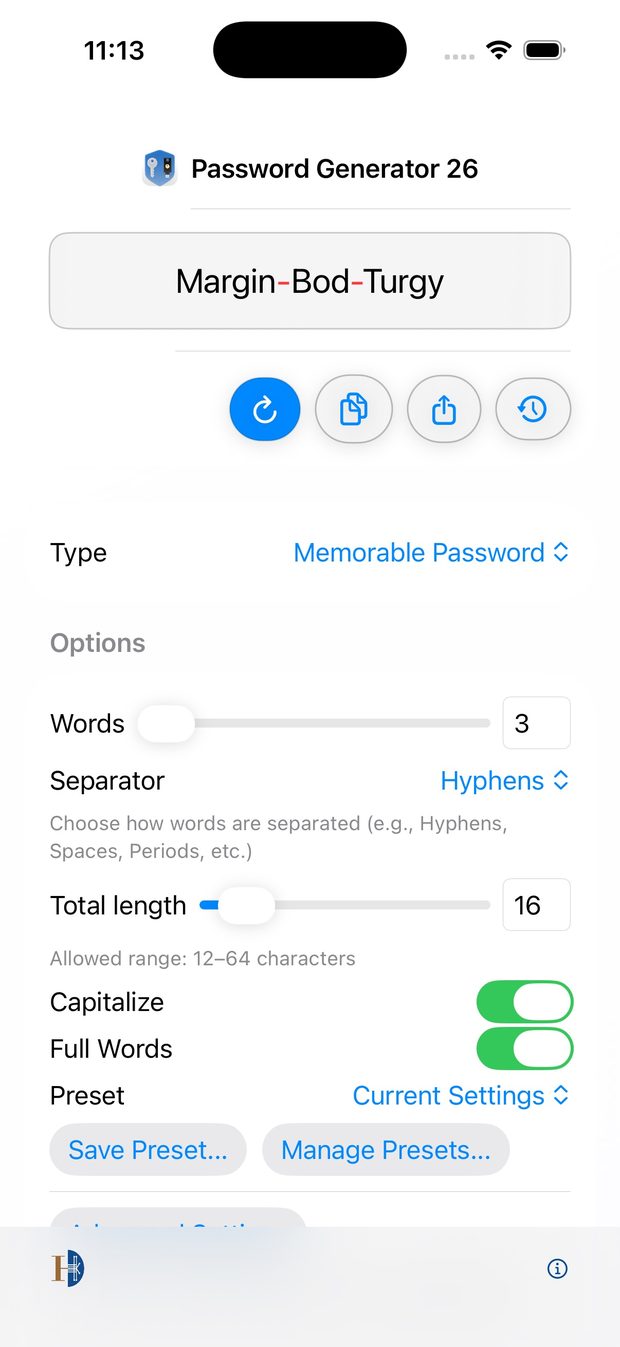
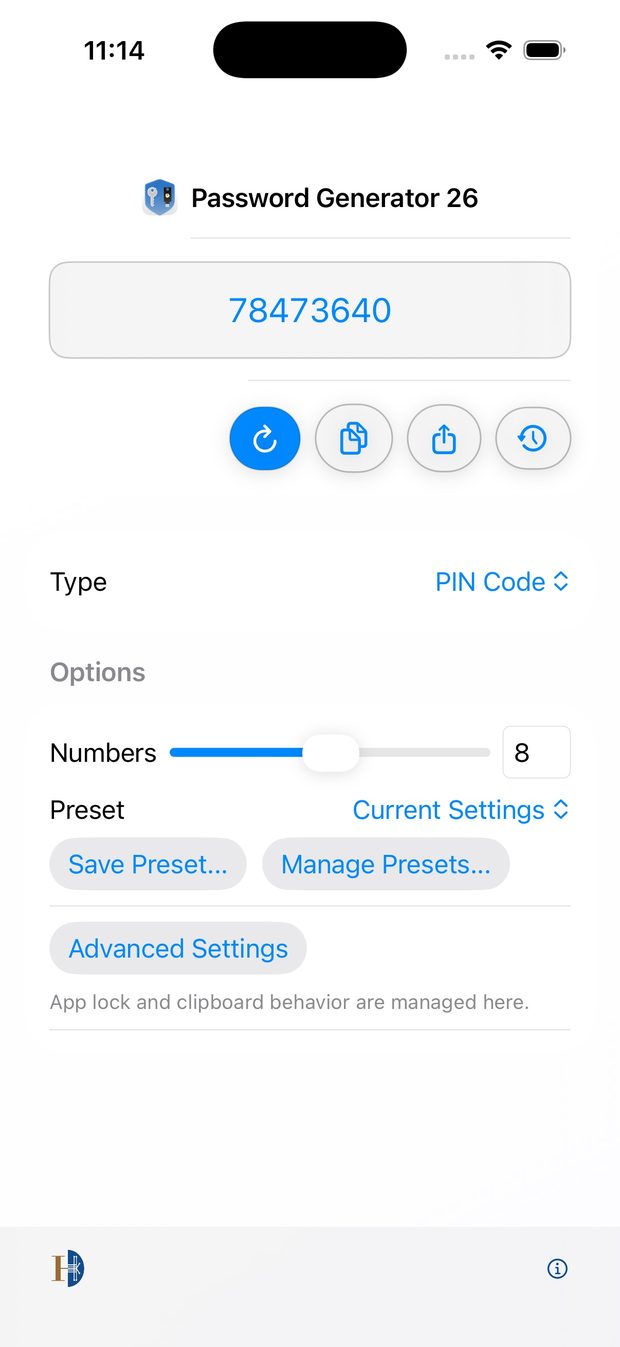
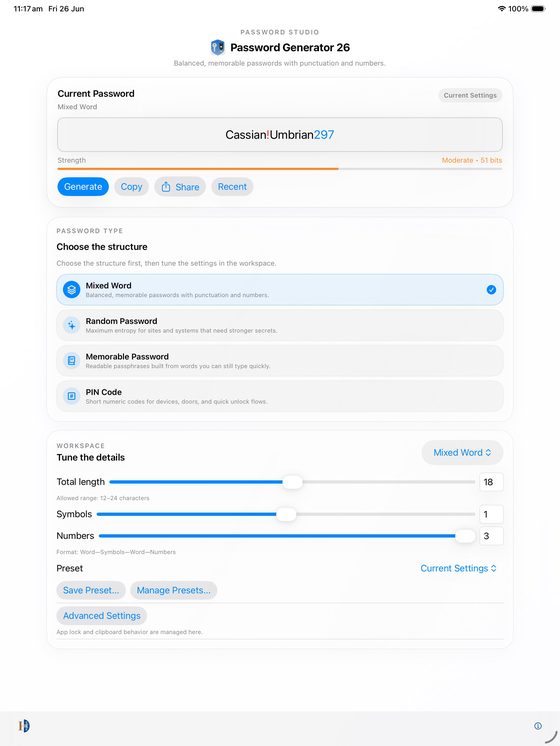
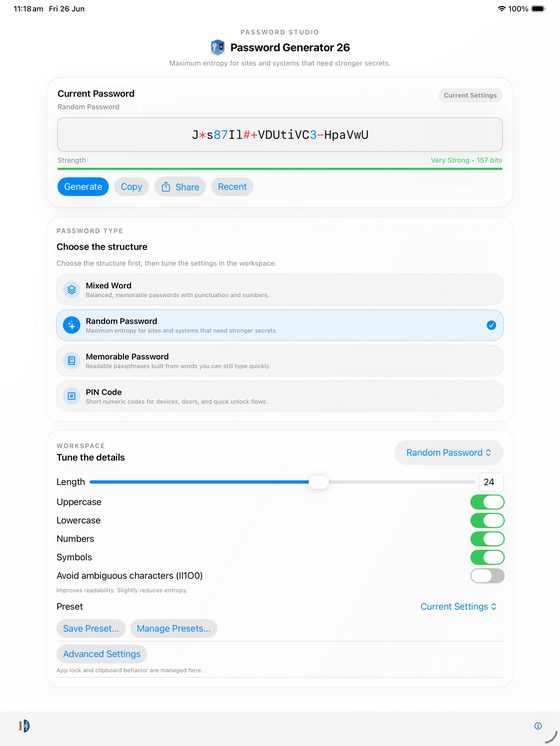
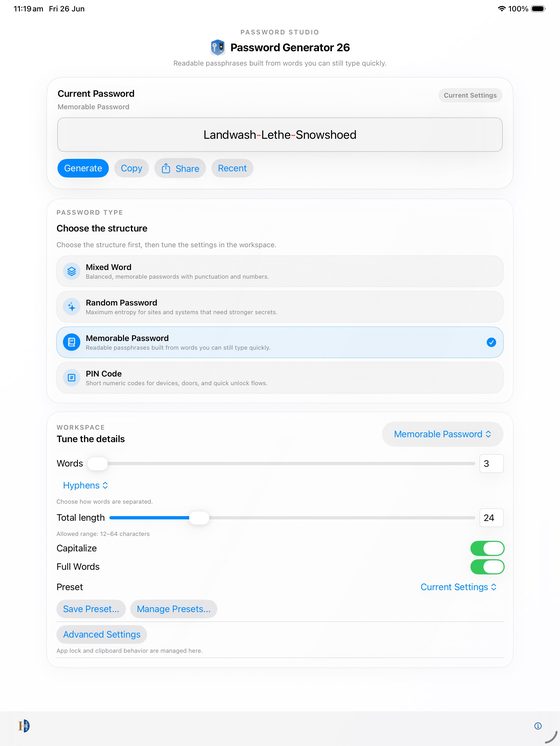
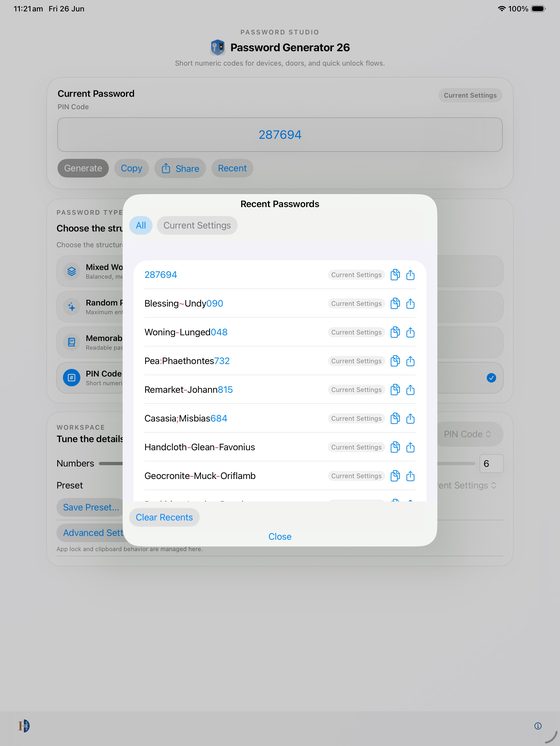
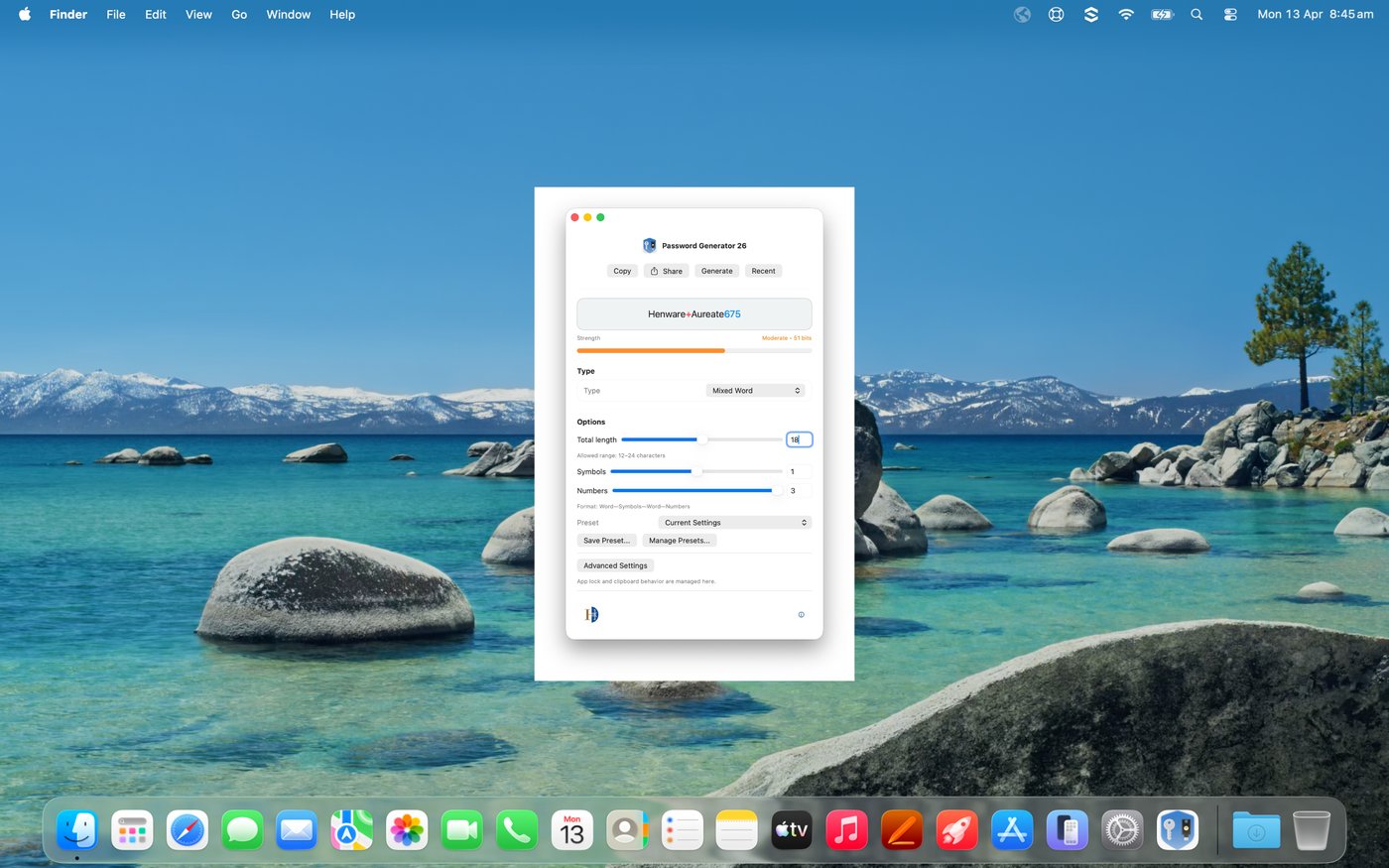
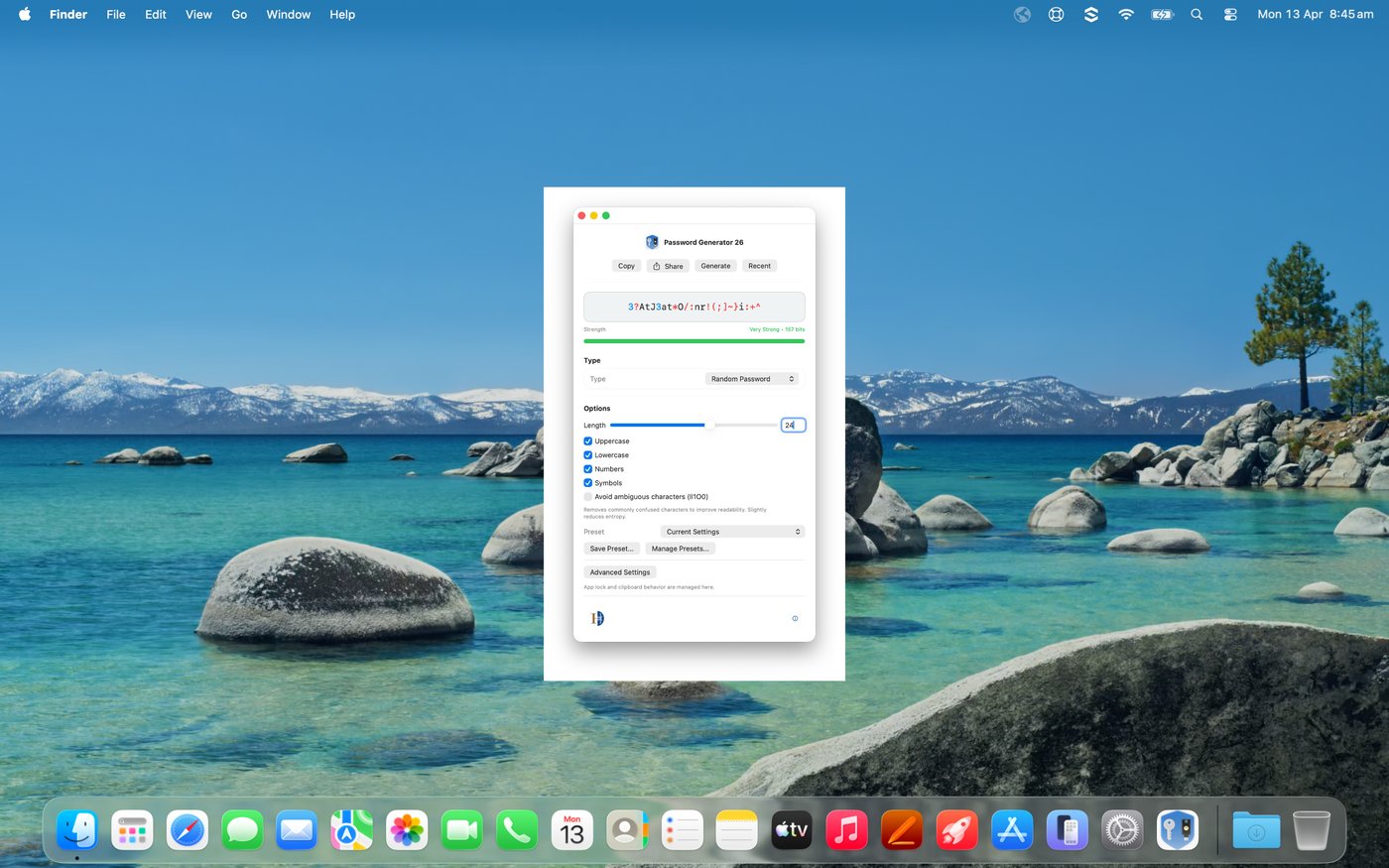
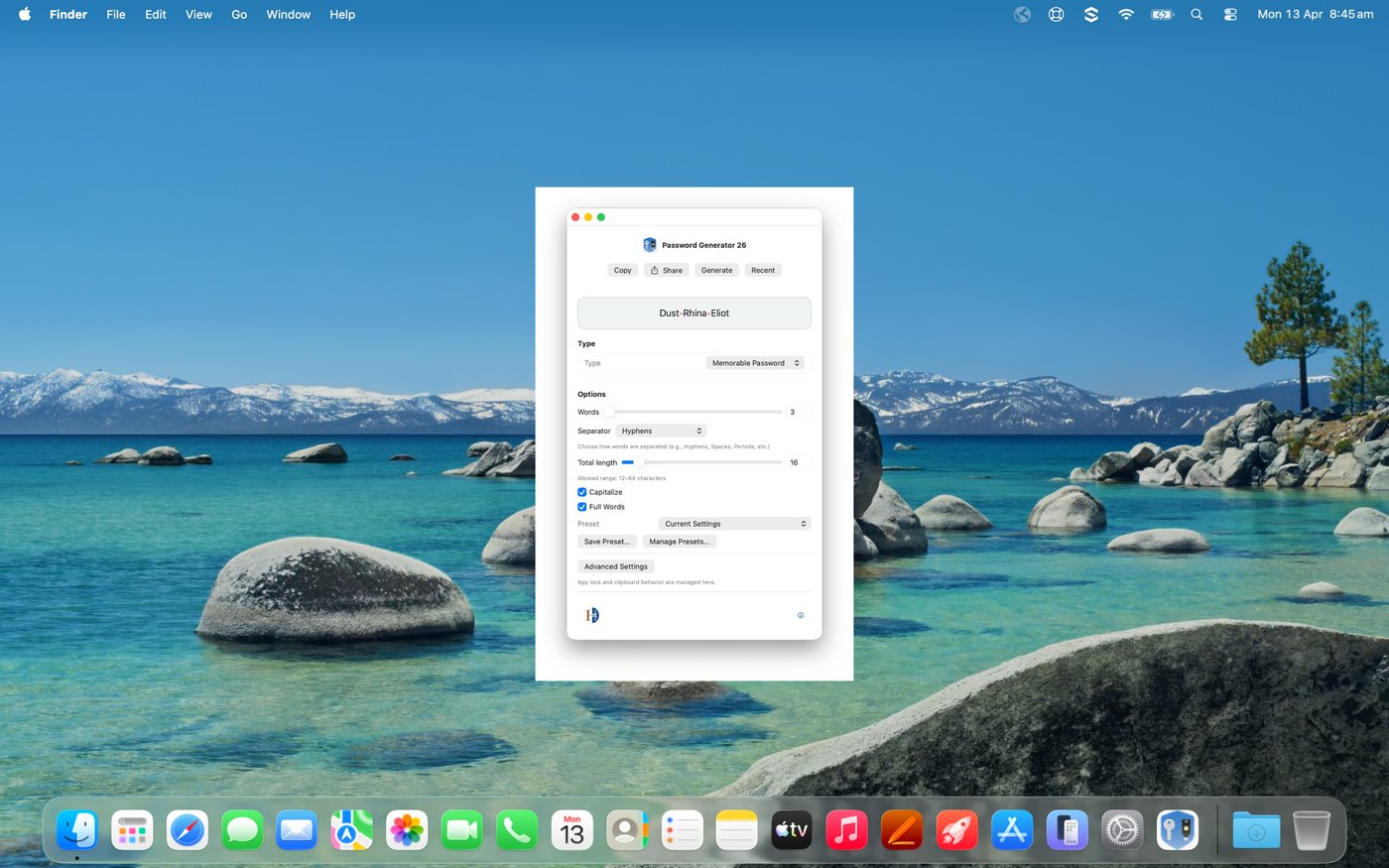
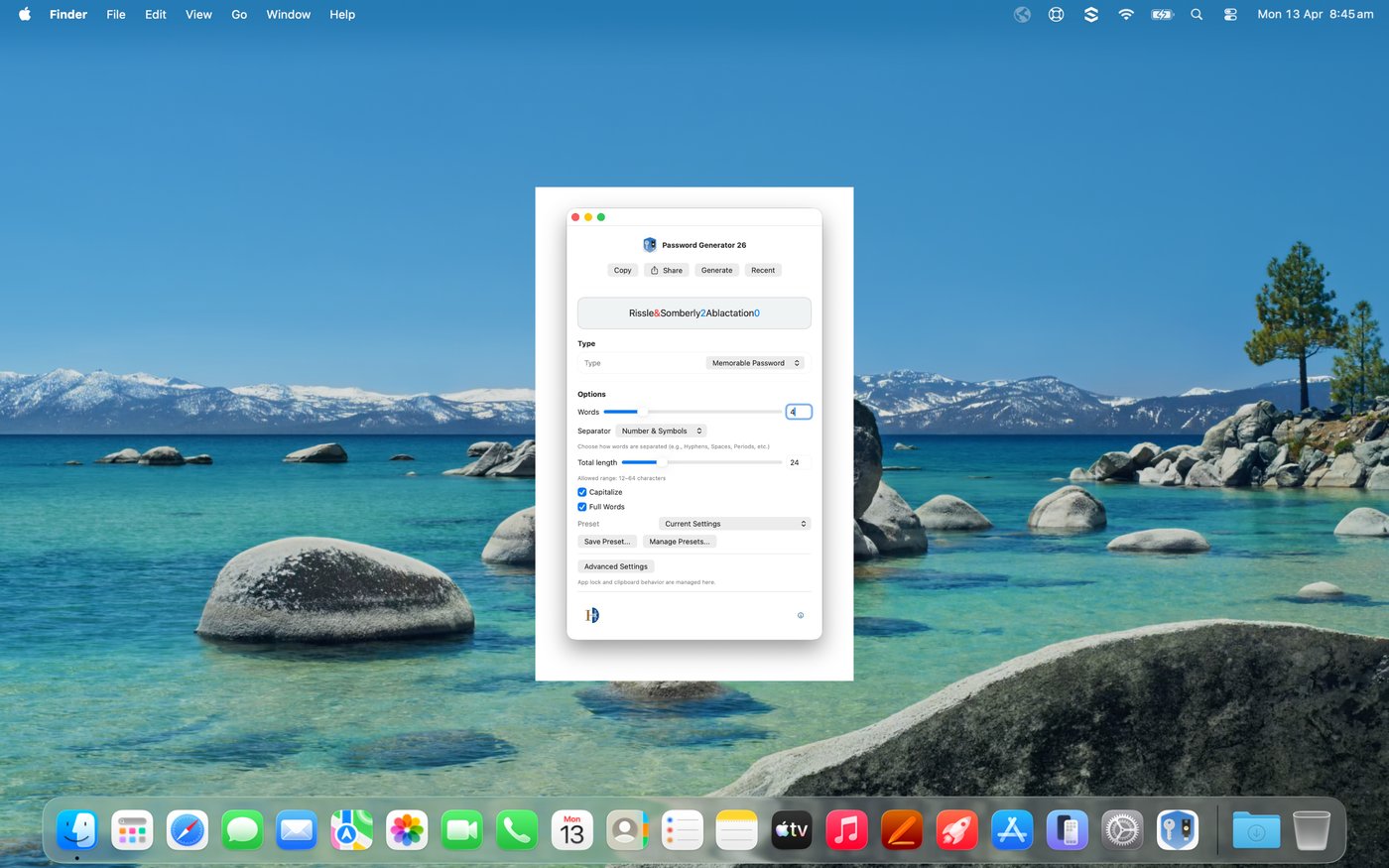
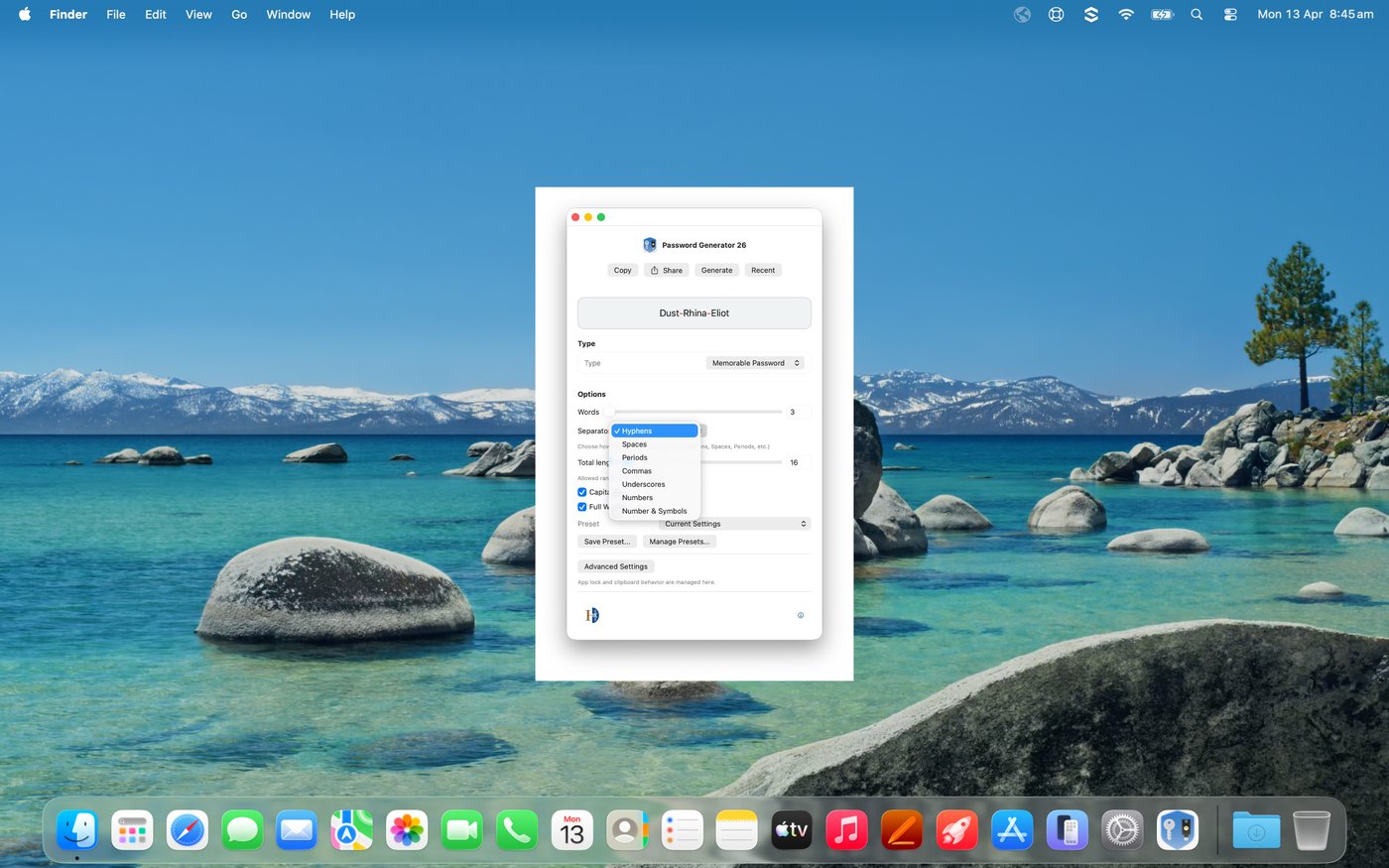
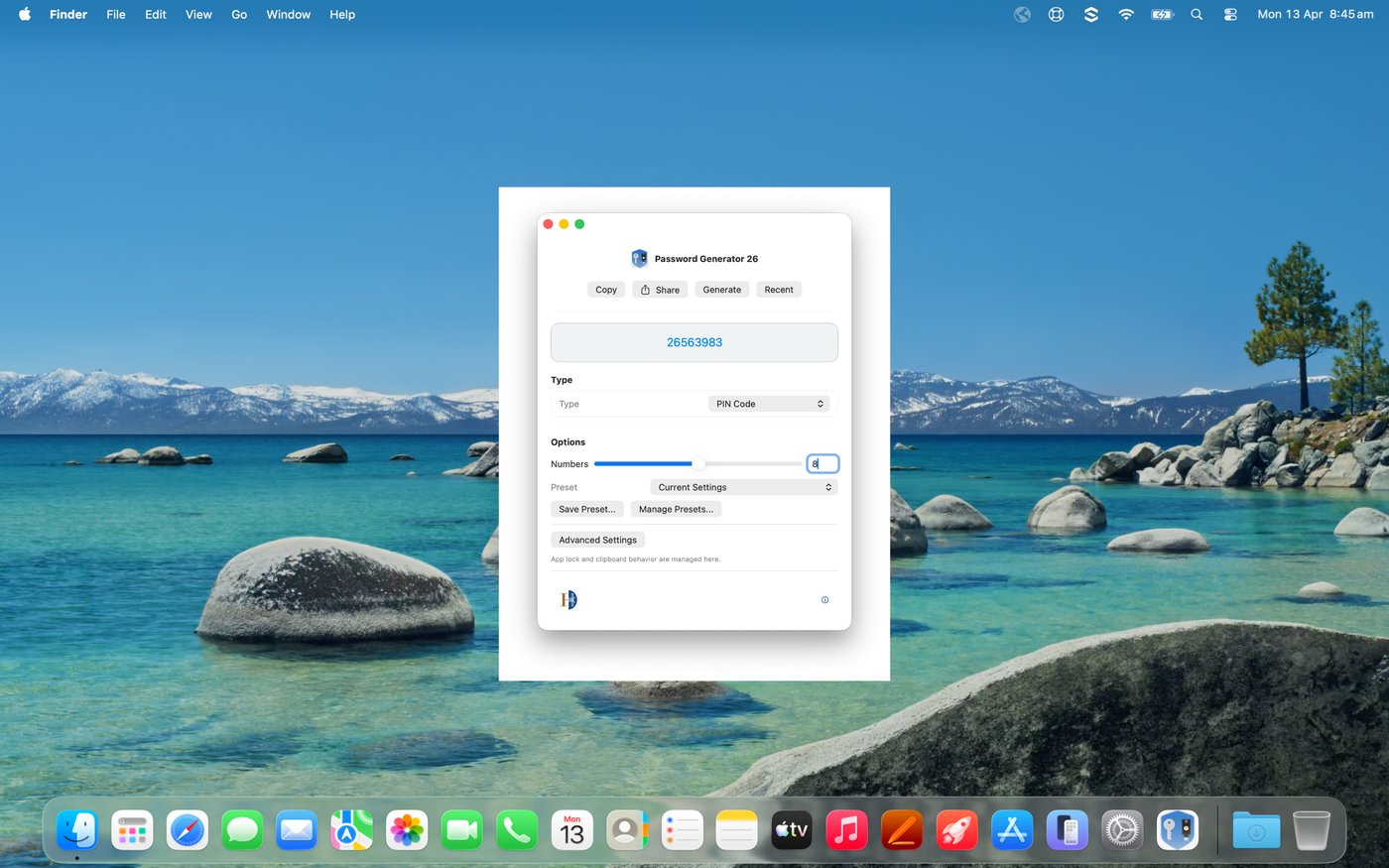
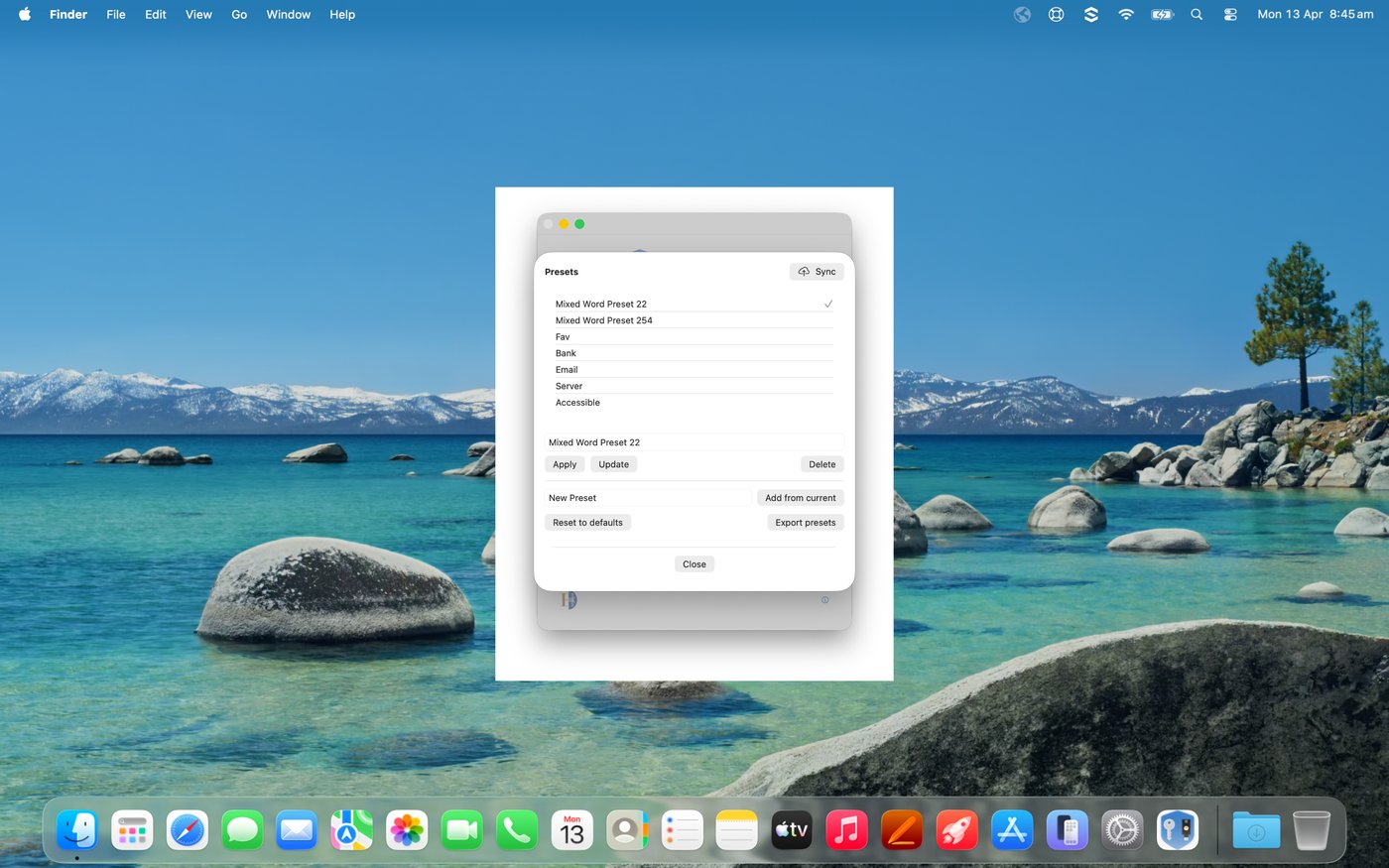
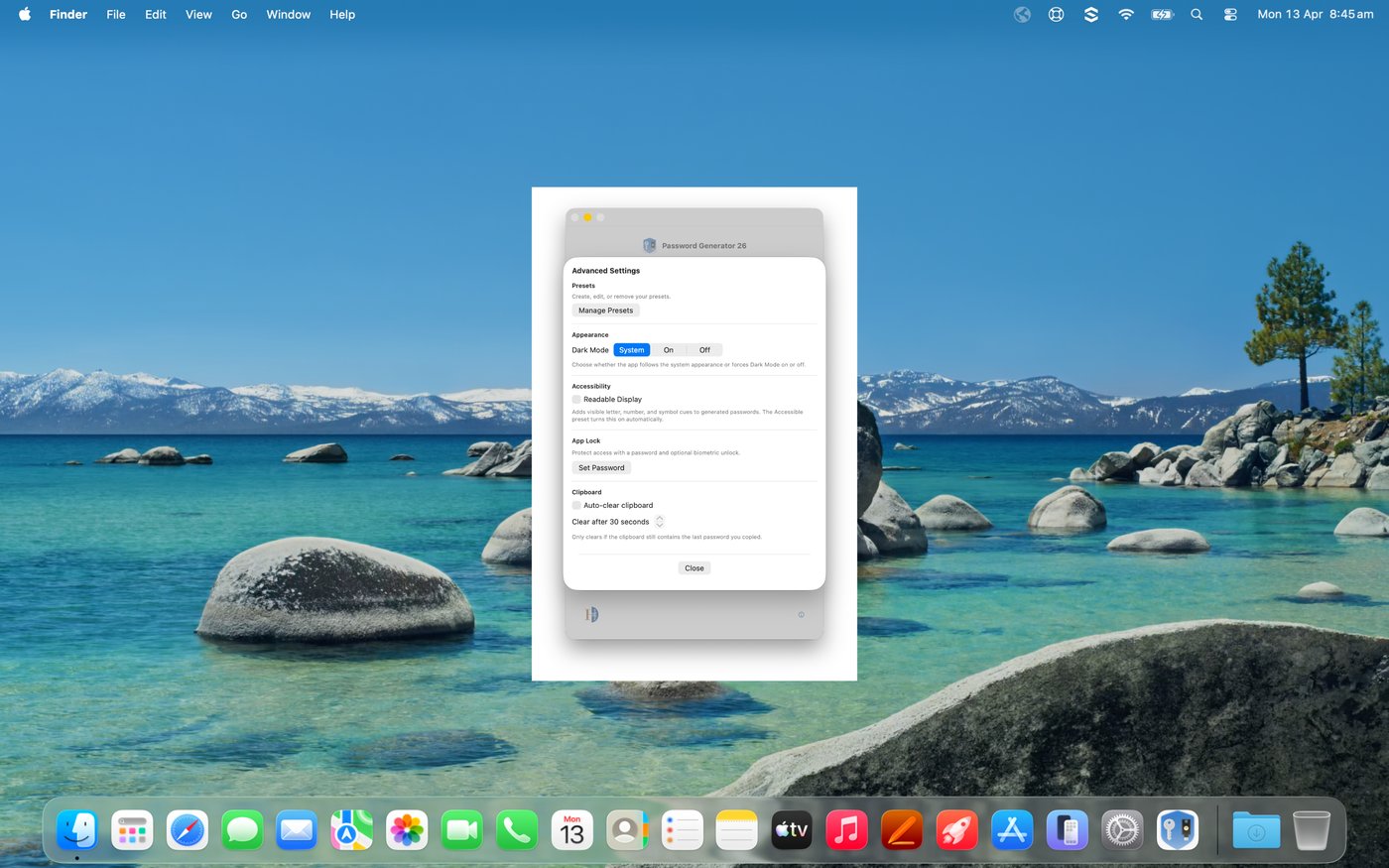
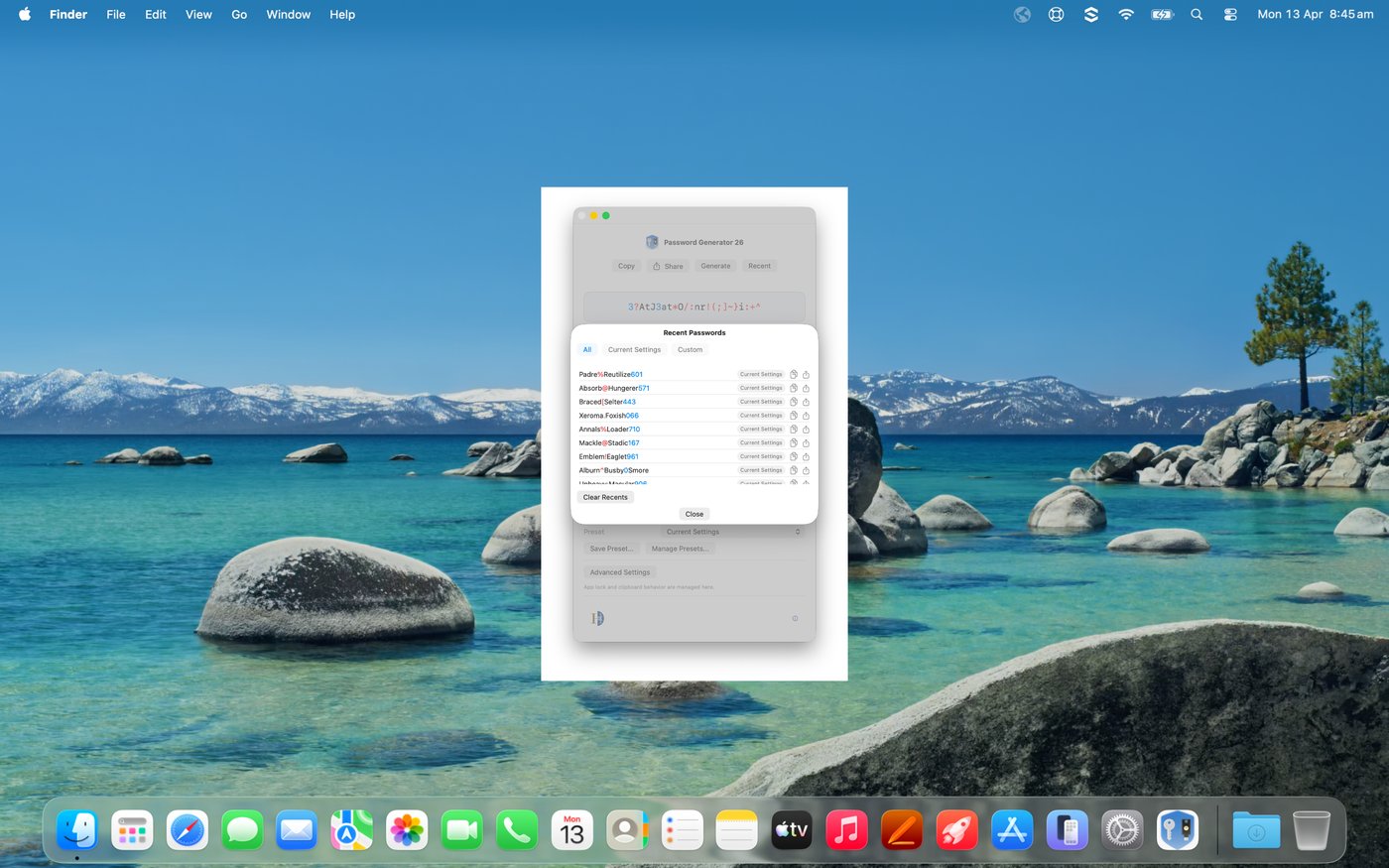
App screenshot
See every screen

iPhone and iPad, side by side.

Everything you need

Multiple password types

Mixed word, memorable, random, and PIN — each tuned for different needs.

Fine-grained controls

Dial in length, symbols, numbers, separators, and format rules exactly how you need them.

Presets

Save, apply, update, and export your favourite configurations. Synced via iCloud.

App lock & biometrics

Protect your history and settings with a password and optional Face ID or Touch ID.

Clipboard auto-clear

Timed clipboard wipe reduces accidental password exposure after you copy.

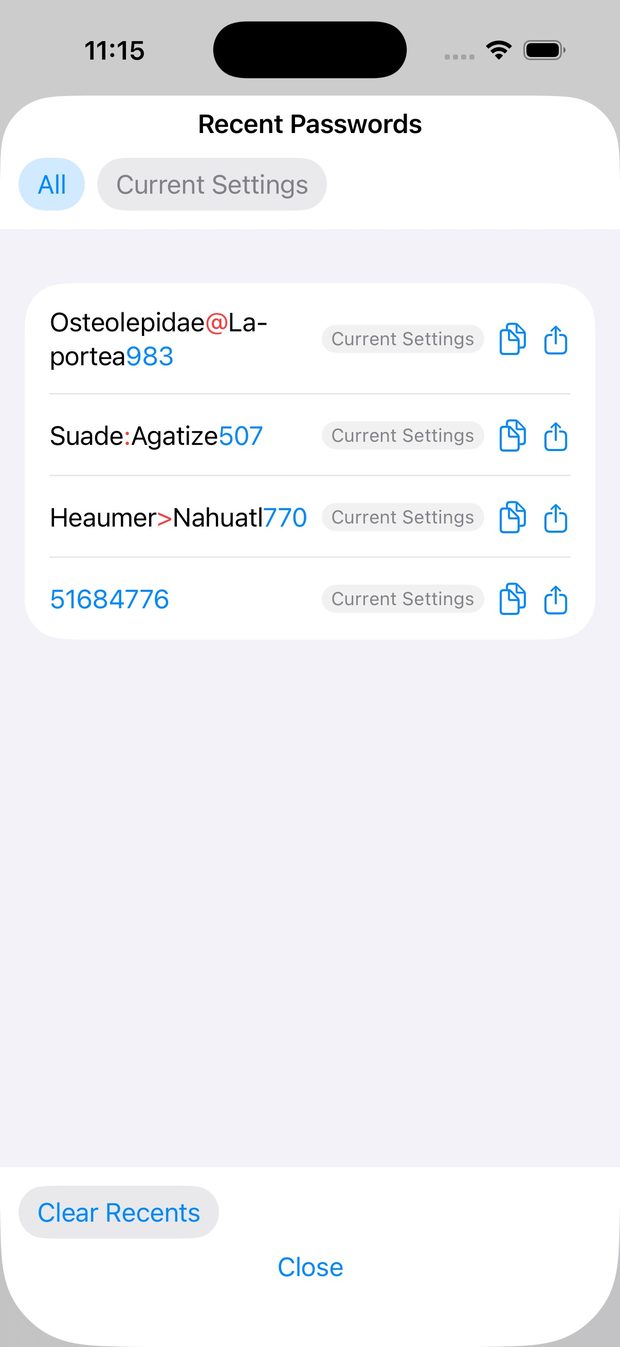
Recent passwords

Quickly re-copy or share any recently generated password, filtered by preset.

Up and running in seconds
1

Choose a type

Pick from Mixed Word, Random, Memorable, or PIN.

2

Tune the options

Set length, symbols, numbers, separator style, and more.

3

Tap Generate

Instantly create a strong password, entirely offline.

4

Copy & use

One tap to copy. Clipboard clears automatically if you enable it.

5

Save a preset

Lock in your settings and sync them across all your devices via iCloud.

Built with privacy at the core

Offline generation

Passwords are generated on-device. No network requests, ever.

No account required

Open the app and go. No sign-up, no data collection.

App lock

Password-protect access to your history and settings.

Biometric unlock

Face ID and Touch ID after setting your app password.

Password Generator 26

Available on the App Store

Available for iPhone, iPad, and Mac.

Download on theApp Store

Privacy policy

Last updated: April 2026

Password Generator 26 does not collect, store, or transmit any personal data. All password generation happens entirely on your device.

Overview

Password Generator 26 ("the app") is designed with privacy as a fundamental principle. We believe your data is your own. This policy explains what data the app handles and why.

Data we do not collect

We do not collect, transmit, or have access to:

On-device storage

The following data is stored locally on your device only:

This data never leaves your device except via iCloud sync if you choose to enable it.

iCloud sync

If you enable iCloud preset sync, your saved presets are stored in your personal iCloud account, governed by Apple's privacy policy. This data is not accessible to us. Sync is entirely optional and can be disabled at any time in your device settings.

Clipboard

When you copy a generated password, it is placed on your device's clipboard. The optional clipboard auto-clear feature wipes the clipboard after a set time. We do not read or log clipboard contents.

App lock and biometrics

The app lock feature stores your chosen password securely in the iOS Keychain on your device. Biometric data (Face ID or Touch ID) is handled entirely by Apple's LocalAuthentication framework and is never accessible to the app.

No network requests

Password Generator 26 makes no network requests. It works fully offline. No data is transmitted over the internet at any time.

Third-party services

The app does not use any third-party analytics, advertising, or crash-reporting SDKs.

Children's privacy

The app does not collect personal information from anyone, including children under 13.

Changes to this policy

If we make material changes to this privacy policy, we will update the date at the top of this page and note the change in the app's release notes.

Contact

If you have questions about this privacy policy, you can reach us through the App Store support link on the app's product page.